Learn how to add an automation that ranks epics by their initiative.
Setup
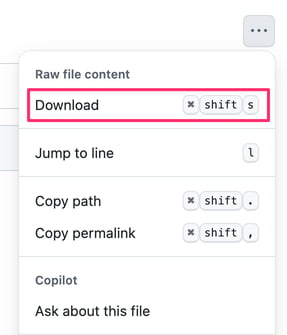
Download the following automation: https://github.com/bitovi/jira-plan-weaver-automations/blob/main/on-initiative-rank-change-update-child-epic-ranks.json
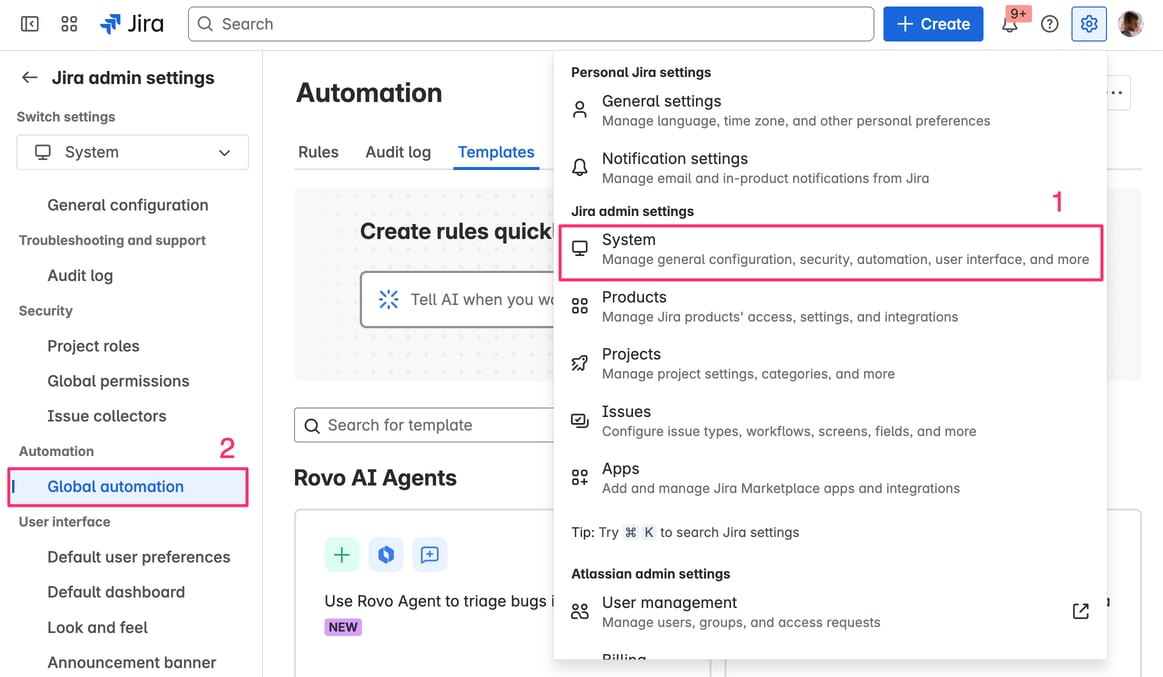
Go to Global Automation:
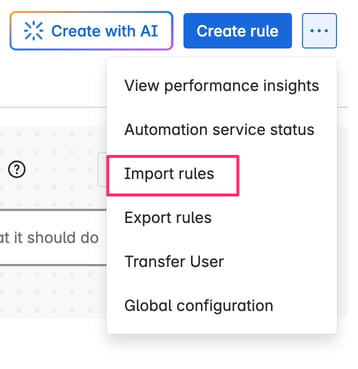
Select import rules:
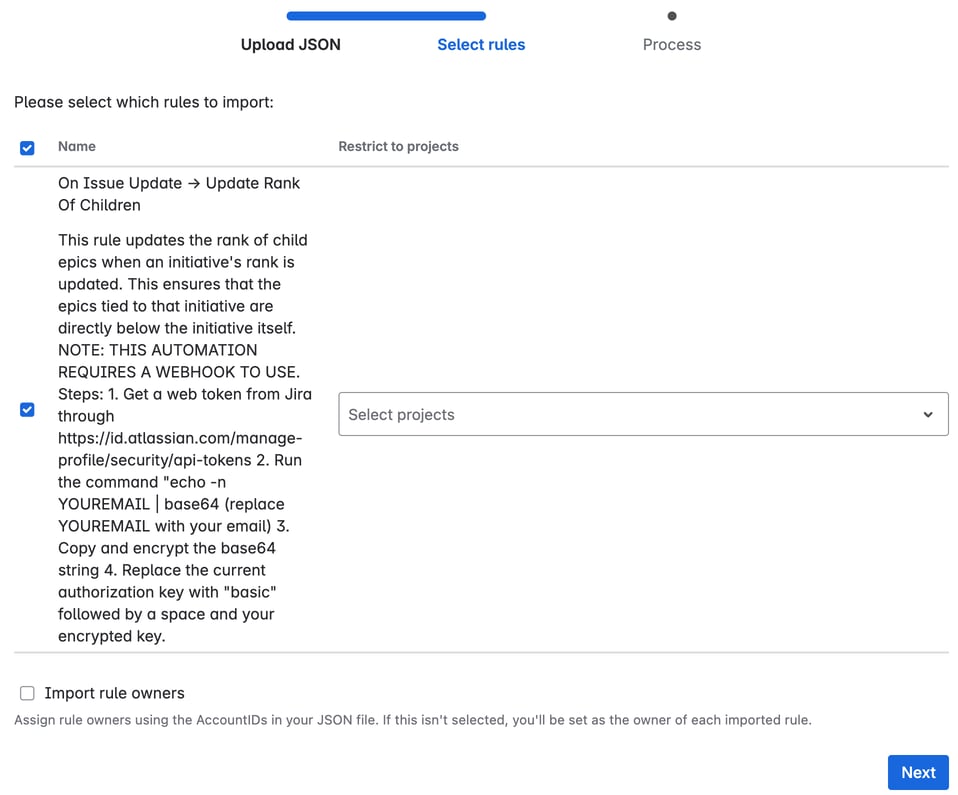
Import the JSON file you downloaded
Select the rule to import:
Select the rule for editing:

Find the web request step and the
TOKENthat needs to be passed: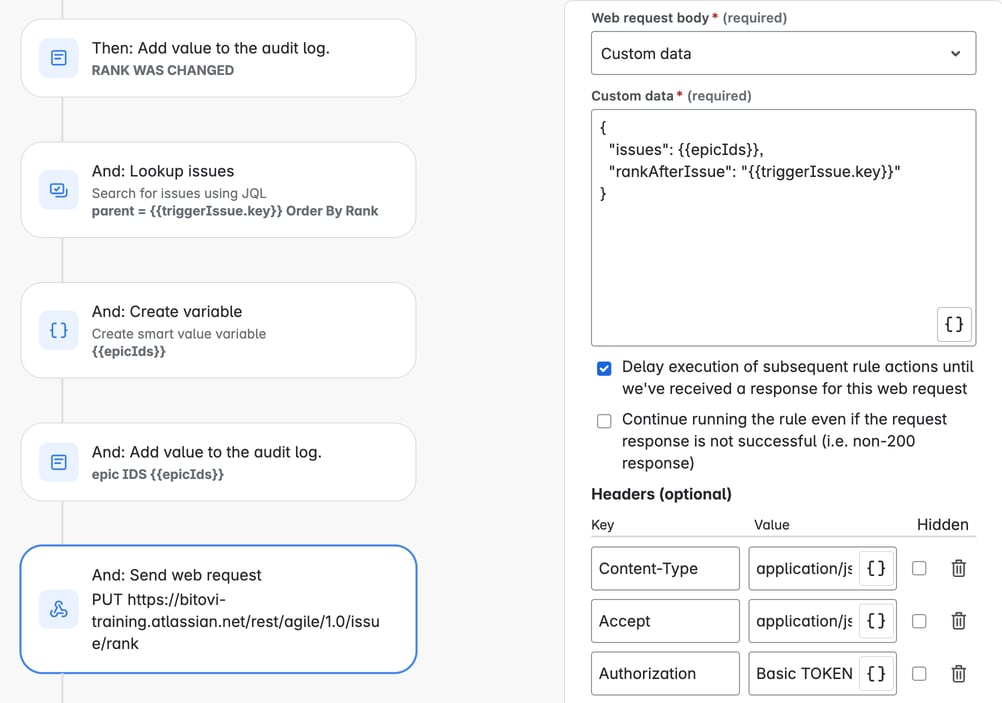
Replace the
TOKENwith the token created in https://bitovi.atlassian.net/wiki/spaces/agiletraining/pages/1302462817/How+to+create+a+Jira+Request+tokenUpdate and enable the automation:

Use
To use:
Create some initiatives with epics
Change the rank of the initiatives
Notice that the rank of the epics also changes